
How much does it cost to install a truck backup camera?
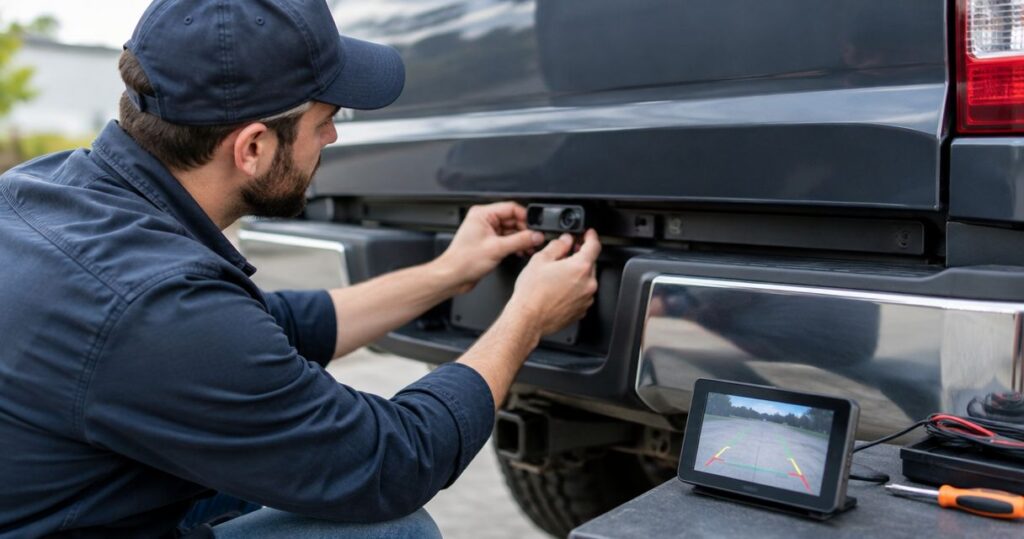
The cost to install a truck backup camera depends on the camera, display, vehicle interfaces, wiring work, and installer’s labor quote; get an itemized installed total for your exact truck before buying parts. A camera’s purchase price excludes any separately required monitor, harness, interface, mounting materials, and installation work, so compare complete systems rather than camera listings alone.
- The cost to install a truck backup camera requires a truck-specific parts and labor quote.
- Match the camera, monitor, connectors, power requirements, and mounting location before ordering.
- Wireless video does not eliminate the need to confirm camera and monitor power connections.
- Scott Radio & Electronics sells camera equipment; confirm exact-fit requirements before choosing a system.
Why this matters
A camera that fits beside your license plate is not automatically compatible with your dashboard screen. Physical fit, video compatibility, power, and reverse activation are separate checks.
When browsing equipment at Scott Radio & Electronics, start with your truck’s details and the model number of any existing display. For a 2026 installation quote, ask the installer to identify what stays, what changes, and what the final invoice includes.
How much does it cost to install a truck backup camera?
Your installed total is the complete parts bill plus labor, setup, testing, and applicable charges. Ask for those categories separately so you can compare quotes without confusing a camera-only job with a complete monitor-and-camera installation.
Use this breakdown when requesting an estimate:
| Quote category | What it covers | What to confirm |
|---|---|---|
| Camera equipment | Camera or matched camera-and-monitor system | Exact model and included components |
| Display integration | Separate monitor or connection to an existing screen | Supported video input and required interface |
| Wiring and power | Video cable, power connections, protection, and routing | What materials and connections are included |
| Mounting | Camera bracket, monitor mount, and cable entry work | Location, fastening method, and sealing |
| Labor | Access, installation, reassembly, and configuration | Written scope and treatment of additional work |
| Final checks | Image orientation, activation, and operational testing | What the installer demonstrates at handover |
A useful 2026 quote names the actual equipment. A line that says only “backup camera installation” leaves too much room for different interpretations.
Ask whether the estimate assumes you already have a compatible screen. Also establish whether customer-supplied equipment changes the installer’s scope or responsibility for troubleshooting.
Which installation approach fits your truck?
Choose the installation approach before choosing the camera. The best fit is the arrangement that matches your existing equipment and intended rear view—not simply the smallest parts list.
| Installation approach | Best for | Advantage | Limitation to resolve |
|---|---|---|---|
| Camera connected to an existing display | Owners keeping a compatible head unit | Keeps the existing viewing location | Screen inputs and interfaces require verification |
| Camera with a separate monitor | Trucks without a suitable existing screen | Separates the camera system from the stereo | Needs a safe monitor location and power arrangement |
| Wireless camera-and-monitor system | Owners considering wireless video transmission | Avoids a wired video connection between compatible devices | Still requires power planning and an installation-specific signal check |
| Replacement camera in an existing system | Owners repairing a failed rear-view setup | Retains compatible equipment already installed | Connector shape alone does not establish compatibility |
For an existing screen, record the head-unit manufacturer and full model number. A touchscreen does not prove that a camera input exists, and a camera input does not prove that every camera format is supported.
For a separate monitor, check the proposed position from the driver’s seat. The display must not obstruct your view, interfere with controls, or occupy an airbag deployment area.
Existing-screen installation: verify the interface first
Best for: keeping a display whose camera compatibility is documented. This approach avoids adding another screen, but the display connection can become the deciding part of the job.
Give the installer the screen’s model number and clear photos of its connections where safely accessible. Ask whether the proposed camera connects directly or needs an adapter, interface, or configuration change.
If you are replacing a factory camera, record the original camera’s part number too. Do not assume an aftermarket camera accepts the same supply voltage or uses the same video signal.
For a 2026 repair, describe the failure before ordering a replacement: no picture, intermittent picture, incorrect orientation, or failure to activate. Those symptoms help define the investigation; they do not, by themselves, prove the camera has failed.
Separate-monitor installation: check the whole package
Best for: trucks without a documented compatible screen. A separate monitor gives you a dedicated viewing location, but the installation still needs mounting, power, and a confirmed camera connection.
The supplied product descriptions identify these two prewire-system options:
| Product | Best for | Stated equipment | Check before choosing |
|---|---|---|---|
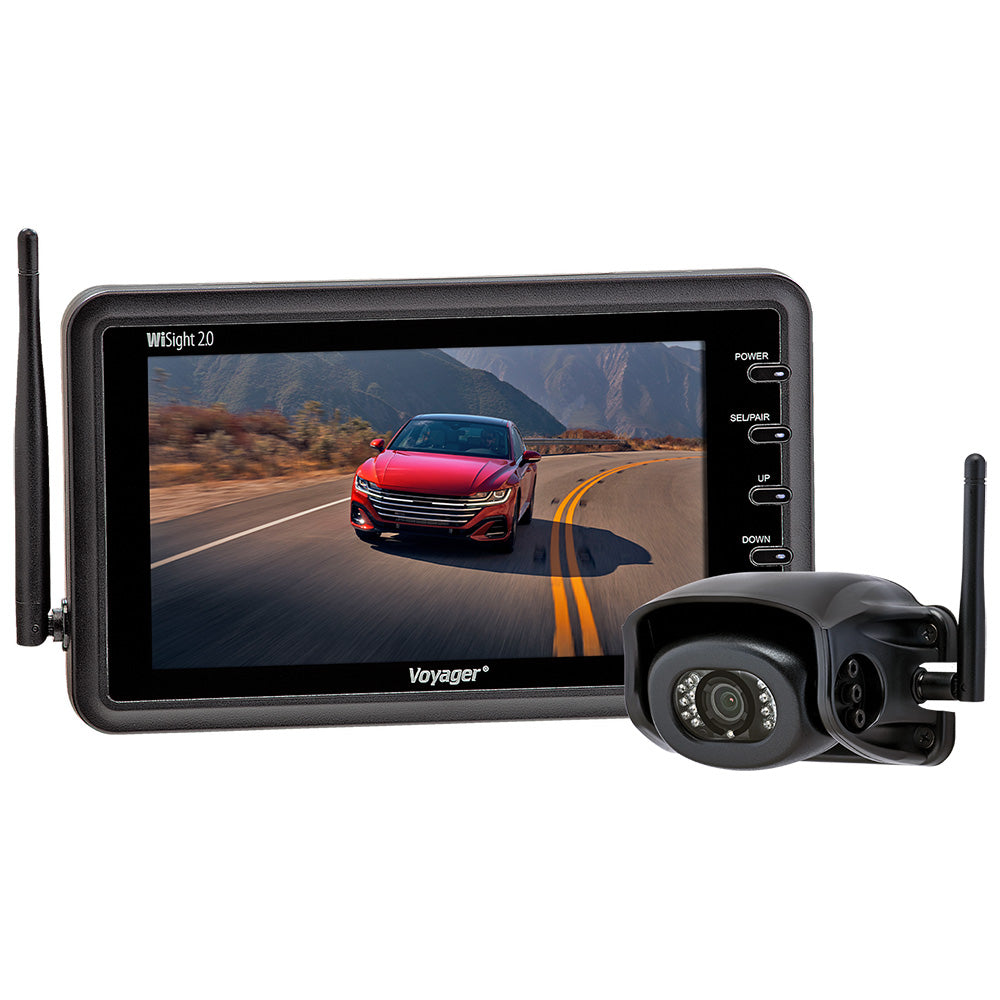
| Voyager WiSight 2.0 WVSXP70 | Owners evaluating a 7-inch monitor | Wireless rear camera and 7-inch wireless LCD monitor | Exact prewire compatibility, package contents, and mounting space |
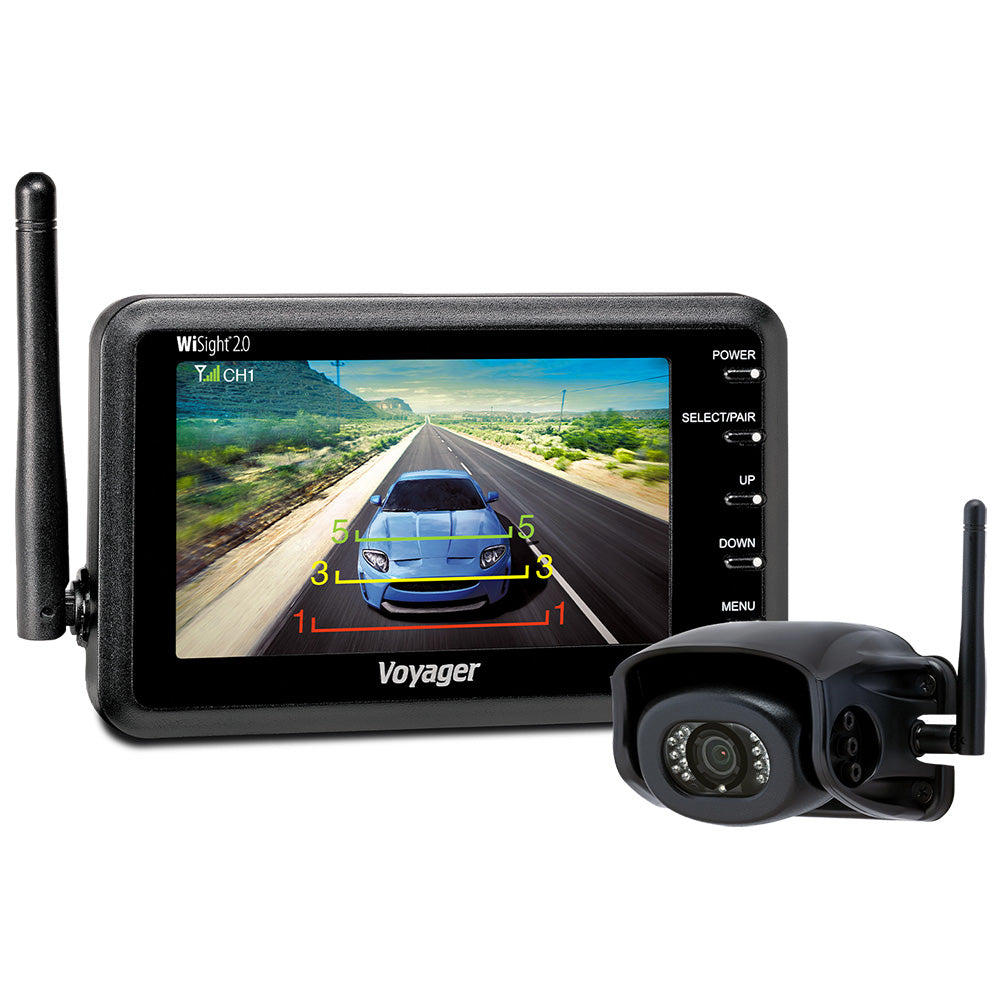
| Voyager WiSight 2.0 WVSXP43 | Owners evaluating a 4.3-inch monitor | Single-camera system with a 4.3-inch wireless LCD monitor | Exact prewire compatibility, package contents, and mounting space |
The 7-inch and 4.3-inch measurements describe the monitors, not the space required for their mounts. Check the installation dimensions and driver’s sightline before selecting either system.
Neither description establishes compatibility with your truck’s existing prewire. Confirm that separately rather than treating “prewire system” as a universal connection standard.
Why truck backup camera installation costs vary
These are the scope differences to have the installer explain. Each changes the work or equipment needed; none establishes a universal installed price.
- Existing display compatibility: Keeping your screen depends on its supported inputs and the proposed camera’s signal requirements.
- Cable route: A wired installation needs a protected path between the rear camera and the display, including suitable entry points.
- Power and activation: The installer must identify the correct supply and determine how the system turns on.
- Mounting location: A license-plate location, body-mounted camera, and trailer installation need different mounting decisions.
- Existing equipment condition: Damaged connectors, altered wiring, or a failed display require investigation before reuse.
- Truck-and-trailer connections: A detachable trailer needs an installation plan that accounts for separation and reconnection.
Ask which of these factors the quote already covers. Do not approve an undefined allowance for “extra wiring” without understanding what work triggers it.
What should you check before asking for a quote?
Build a short equipment record before buying. Follow this sequence so a missing compatibility detail does not turn into an unsuitable order.
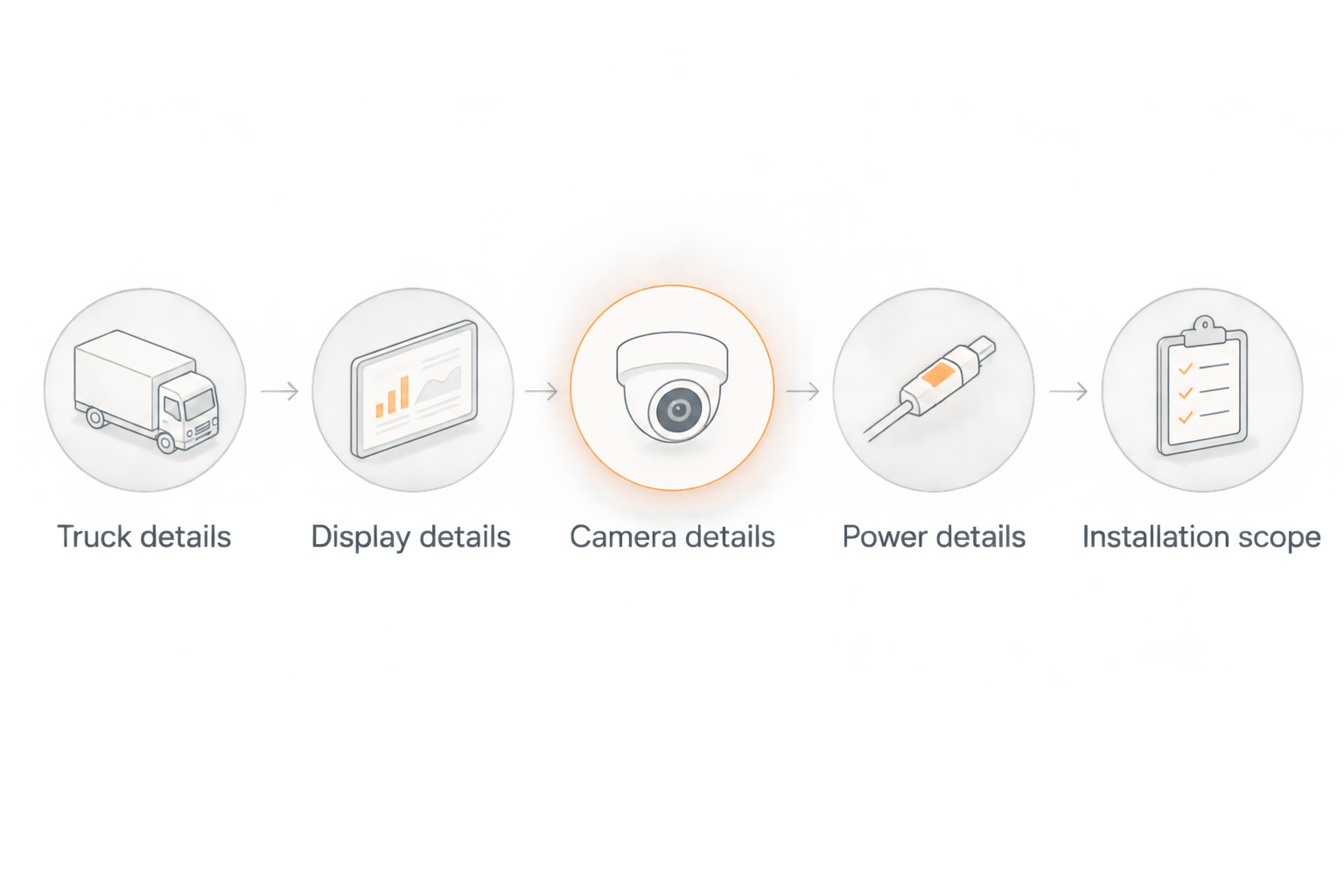
- Truck details: Record make, model, model year, body style, and whether the camera goes on the truck or a trailer.
- Display details: Record the existing head-unit or monitor model and whether a camera system is already installed.
- Camera details: Photograph the existing camera label, connectors, mount, and any accessible harness labels.
- Power details: Check the equipment documentation for its required supply. A 12-volt specification on one component does not establish another component’s requirements.
- Installation scope: Tell the installer whether you want reverse-only activation or another documented operating arrangement.
Keep your observations separate from assumptions. “The connector has no readable label” is better information than guessing its type from an online photo.
How do you keep the installer’s quote specific?
Give every installer the same vehicle details and requested result. For a 2026 estimate, request the equipment model numbers, included installation materials, proposed mounting locations, and the process for approving additional work.
A vehicle survey turns those details into an installation plan: planning a truck camera retrofit means documenting the vehicle, camera locations, existing equipment, and access constraints before agreeing on the job. Photographs help show conditions that a model name cannot, including aftermarket accessories and previous wiring changes.
Ask these questions before authorizing work:
- Does the quote include both the camera and a compatible viewing method?
- Who supplies the harnesses, adapters, mounts, and installation materials?
- Where will the camera cable enter the body, and how will that entry be protected?
- What happens if the existing screen or wiring cannot be reused?
- Will the installer obtain approval before changing the agreed scope?
- What operation will be demonstrated before you accept the job?
Compare those answers, not just the total. A quote that includes a separate monitor is not equivalent to a quote that assumes your existing screen works.
Is DIY installation cheaper than professional installation?
DIY installation removes the installer’s labor charge, but you still need compatible equipment, suitable tools, and a safe wiring plan. Choose DIY only when you can verify the connections and complete the mounting and cable protection correctly.
The advantage is control over the work. The limitation is that diagnosis, compatibility checks, and correction of mistakes remain your responsibility.
Professional installation assigns the agreed work to an installer, but the written scope still matters. Confirm who handles an incompatible customer-supplied camera, an existing wiring fault, or a required display interface.
Stop if you cannot identify the power circuit or connection requirements. Do not probe unfamiliar safety-system wiring or tap a circuit solely because it is near the intended camera location.
Does a wireless backup camera avoid installation work?
Wireless video avoids a video cable between compatible camera and monitor equipment; it does not remove the need to establish power and mounting requirements. Read the installation instructions for the exact system.
Before final mounting, check operation in the intended positions with the truck—and trailer, when applicable—arranged as you use them. Do not treat a successful test with the camera beside the monitor as proof of the final installation.
For wired equipment, establish the cable route before fastening the camera. Protect the cable from sharp edges, heat, moving parts, and pinch points according to the equipment instructions.
When should you ask the store for help matching parts?
Scott Radio & Electronics is best for DIY parts shopping when you bring the truck and equipment details needed to check the match. The store sells camera equipment; a product listing is not a vehicle-specific installation quote or a fit guarantee.
Before ordering, contact the store with the truck’s details, display model, proposed camera model, and clear photos of the connectors and mounting location. Ask about the specific uncertainty rather than requesting a general assurance that a camera “fits trucks.”
For a 2026 replacement project, include the original part number and describe any wiring modifications you can identify. If electrical specifications or compatibility remain unresolved, have an installer identify them before purchasing.
FAQ
How do I find the cost to install a truck backup camera?
Get an itemized quote for your exact truck, camera, display, and installation scope. Confirm that the total includes required interfaces, wiring, mounting, labor, and final testing.
Can I use my truck’s existing screen for a backup camera?
You can use the existing screen only when its camera input and the proposed camera are compatible. Confirm the head-unit model, video requirements, and any required interface before buying.
Is a wireless backup camera easier to install?
Wireless video removes the video cable between compatible devices, but power connections and mounting still need planning. Confirm signal operation in the intended installation positions before final fastening.
Does a camera kit include everything needed for installation?
Do not assume a camera kit includes everything your truck needs. Check the package contents against the required display, harnesses, interfaces, mounts, and installation materials.
Should I choose a 7-inch or 4.3-inch backup camera monitor?
Choose between a 7-inch and 4.3-inch monitor by checking mounting space, sightlines, and readability from the driver’s seat. Screen size alone does not establish system compatibility.
Can Scott Radio & Electronics confirm which camera parts I need?
Contact Scott Radio & Electronics with your truck details, display model, part numbers, and connector photos to ask about matching equipment. Resolve any remaining vehicle-specific installation questions with your installer.
What should I test after a backup camera installation?
Check image orientation, intended activation, camera aim, and display visibility before accepting the installation. Have the installer demonstrate operation, and continue using mirrors and direct observation when reversing.
One last thing
Aim the camera before permanently securing the mount. A working picture can still show too much bumper, miss the hitch, or leave the intended viewing area outside the frame.
Ask to see the image from the driver’s position before the installer finishes. That check confirms whether the installation delivers the view you requested—not merely whether the camera powers on.